Quick Links: Chef'sCombi Operation Resources
Download the latest software update
Keeping your Chef'sCombi updated with the latest GlobalOS software ensures the oven is running at peak performance. Software updates may provide improved functionality, enhanced reliability, operational efficiencies, bug fixes, and compatibility with the latest features and accessories. Staying current also helps operators maintain a consistent cooking experience and take advantage of ongoing product improvements.
The linked SOFTWARE AND FIRMWARE folder contains the resources needed to update Chef'sCombi ovens, including:
- Chef'sCombi Machine Software Update – Primary software package for updating compatible Chef'sCombi units.
- Chef'sCombi PC Simulator v4 – Training and familiarization tool that allows users to explore the software interface on a PC device.
- How to Video – Step by step instruction using a USB flash drive to download and import the software.
How to Operate Your Vulcan Chef'sCombi Oven
How to Clean Your Vulcan Chef'sCombi Oven
How to Use CombiGuide
How to Use AutoClimate
Using Temperature Core Probe with Vulcan Chef'sCombi
Updating Controller Software Versions
Operational Manuals - Gas & Electric Models
Models: CHEF-61, CHEF-62, CHEF-101, CHEF-102
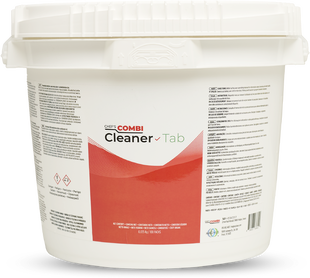
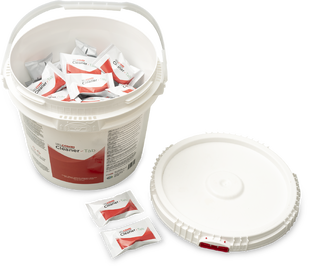
Chef'sCombi Cleaner Tabs
Model: CHEF-TAB (100 count bucket)
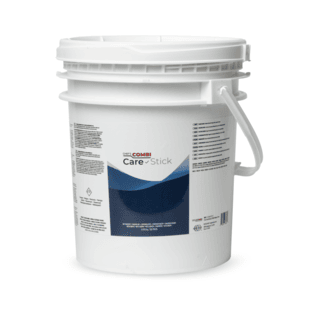
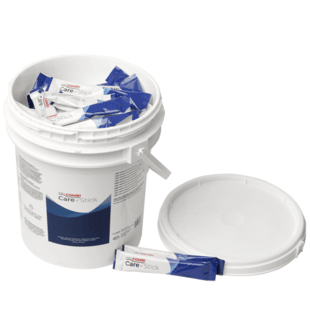
Chef'sCombi Combi Care Sticks
Model: CHEF-STICK (100 count bucket)